
Editable AI architecture diagrams · worked example

Editable AI architecture diagrams, not one-shot exports

Generate the first technical map from bounded source, inspect what the agent missed, edit the Excalidraw canvas directly, and send the correction back to the same diagram.

01

Input

Defined scope

02

Agent

First draft

03

Canvas

Stable URL

04

Human

Review + edit

05

Agent

Same-canvas update
Editable workflow example

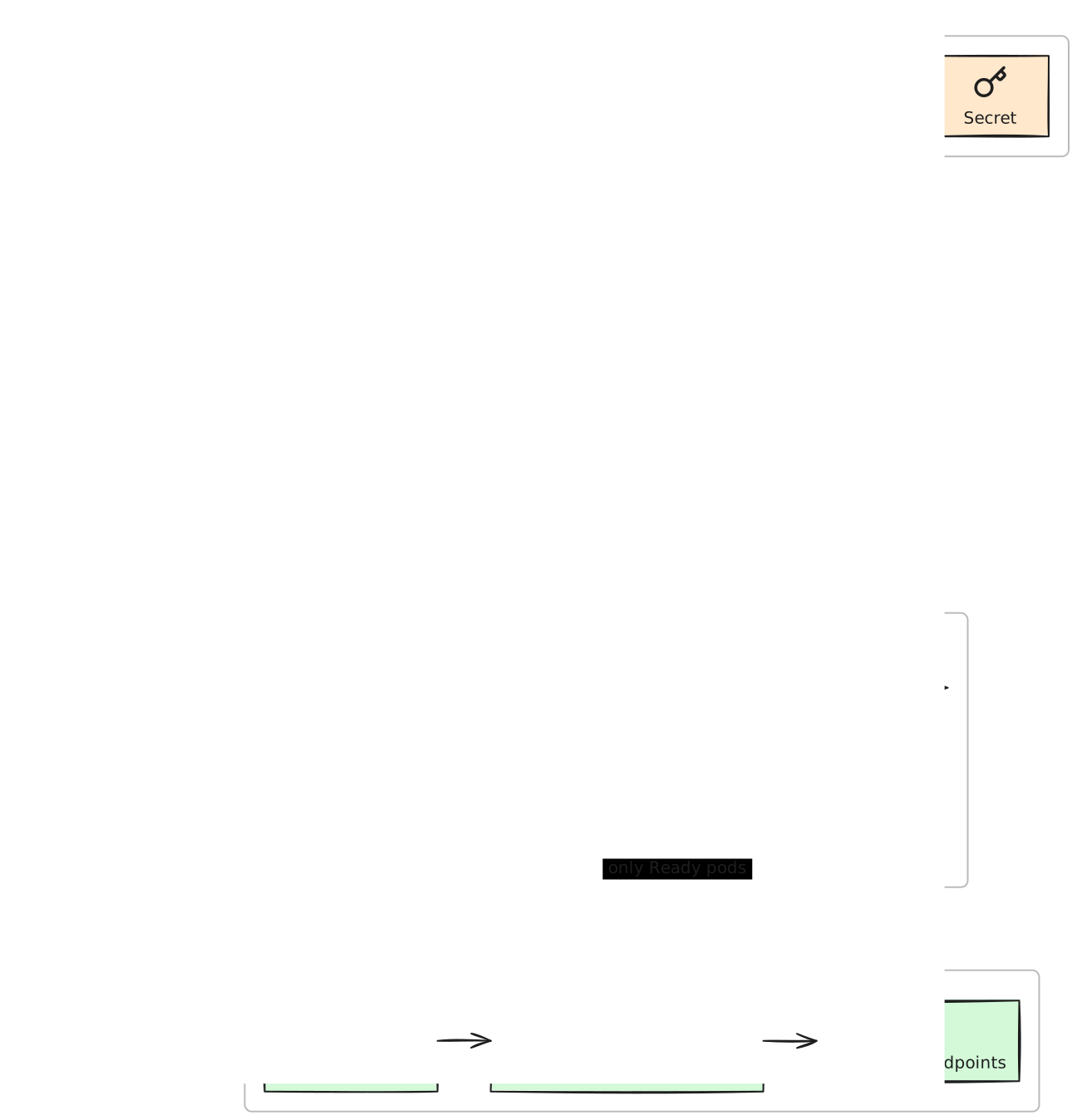
Editable Kubernetes deployment diagram showing image delivery, pod configuration, rolling workload, readiness and rollback gates, and ready traffic
Faithful SVG render from the editable v2 spec. The human review adds the readiness-to-Service dependency; the agent follow-up adds the rollback decision.Open full-size SVG

Architecture diagrams become useful when a reviewer can challenge the critical path. This example makes readiness—not visual polish—the human contribution that changes the rollout story.

Reproduce it

Copy setup

01

Choose a source-safe scope

Select only the manifests or repository files needed for the question. Do not send secrets, customer data, credentials, or source your organization does not permit your agent and this service to process.

02

Connect your agent

Mint a read-and-write Personal Access Token and add @excaliwow/mcp to the MCP client you already use. This JSON shape works for Claude Desktop and other config-based clients.

MCP client config

{
  "mcpServers": {
    "excaliwow": {
      "command": "npx",
      "args": ["-y", "@excaliwow/mcp"],
      "env": {
        "EXCALIWOW_TOKEN": "excw_pat_…"
      }
    }
  }
}

03

Ask for a bounded first pass

Give the agent the exact source list, the decision the diagram must support, explicit non-invention constraints, and the requirement that the result remain editable. Then review the critical path before polishing layout.

Human review

Change what the agent misunderstood

  1. Add the missing readiness-to-Service dependency and label it ‘only Ready pods receive traffic’.
  2. Move ConfigMap and Secret into a separate pre-rollout stage so reviewers do not confuse pod inputs with live request traffic.

Same-canvas follow-up

Send the correction back

Update the same diagram in place: add the failed-readiness rollback decision while preserving the human-positioned configuration stage.

Review the critical path, not the pixels

  • ConfigMap and Secret are inputs to the pod template, not live request hops.
  • Service endpoints depend on readiness; liveness has a different job.
  • Ingress and Service route only to ready pod endpoints.
  • A repeated readiness failure leads to an explicit stop/restore decision.

Common questions

Can I edit an AI architecture diagram by hand?
Yes. The agent creates a normal persistent Excaliwow diagram that opens in the Excalidraw editor. You can move, label, restyle, comment, and collaborate on the canvas before asking the agent for another targeted change.
Will the agent preserve my edits?
The workflow supports updates to the same diagram, including targeted element patches and guarded in-place regeneration. Preservation is still something to verify on the actual prompt: name what must remain, use stable element ids, and review the result rather than assuming every agent turn understands human intent.
Do I have to use Kubernetes?
No. Kubernetes makes the review loop concrete because readiness and rollback are easy to get subtly wrong. The same source-bounded approach works for repository architecture, OAuth sequences, service dependencies, and other technical systems.
Why not export a generated PNG?
A PNG is useful for viewing, but it cannot carry the review forward. A persistent editable canvas lets a person correct the model, lets teammates comment or share, and lets a later agent update the same artifact rather than regenerate from scratch.

Make the first draft reviewable

Start free—no credit card. First 10,000 verified accounts keep the core workspace free; 3 diagrams to start and earn more capacity.

Start free