Create the diagram from your terminal. Keep the canvas for review.
Use @excaliwow/cli when the operation belongs in a shell script rather than another model turn. Create from committed JSON, consume machine output, write a faithful render to disk, and hand the same persistent diagram to a browser reviewer.
01
Spec
Committed JSON
02
CLI
Create + JSON
03
Render
Faithful SVG
04
Human
Browser review
05
CLI
Same-diagram edit
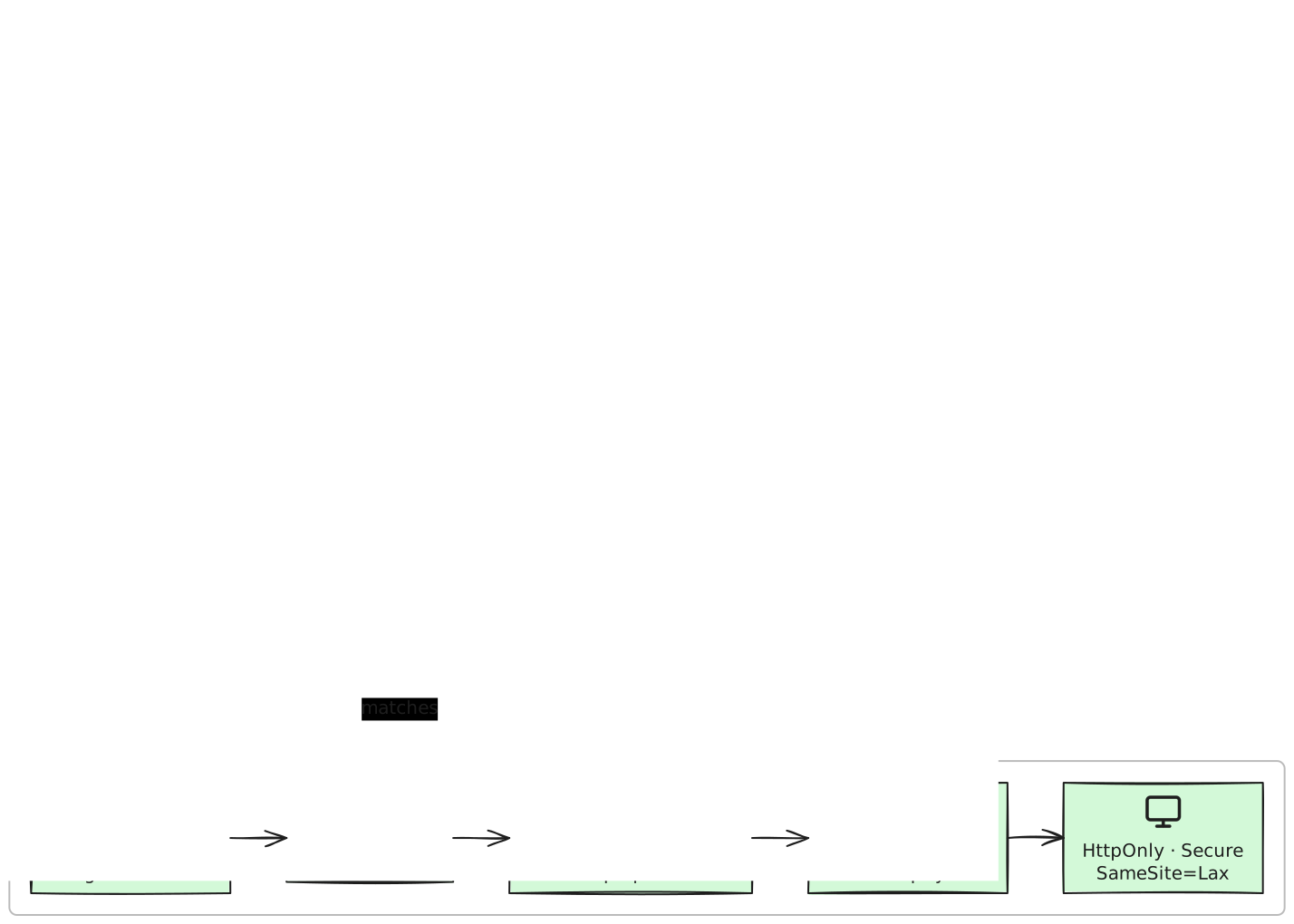
Editable workflow example
Faithful SVG render from the committed editable v2 spec. The CLI can recreate, render, and update the same persistent diagram without invoking a model.Open full-size SVG
The CLI is a thin client over the same REST surface. Its value is deterministic orchestration: explicit input files, stable exit codes, JSON output, filesystem renders, and a diagram id that survives the shell process.
Product boundary: The CLI does not call an AI model. It sends the spec or scene file you provide to Excaliwow’s REST API. The OAuth spec used here was originally produced from a bounded source prompt and then committed; replaying that spec through the CLI is deterministic. Use MCP when you want an agent to reason about source and author the diagram conversationally.
Reproduce it
Copy setup
01
Install and authenticate once
Install the public Apache-2.0 CLI, then paste a read + write Personal Access Token at the masked prompt. The auth login command validates the token before storing it in an owner-only local config file.
Terminal
npm install -g @excaliwow/cli

# Paste a read + write PAT at the masked prompt.
excaliwow auth login
excaliwow auth status
02
Create, capture JSON, and render
Extract the committed v2 spec, create the diagram with machine output, capture its id, and request a faithful SVG. The CLI has no invented open command, so the script prints the stable editor URL explicitly.
After browser review, apply an explicit edit fragment to the same diagram id. A following get or render observes the merged change immediately.
Terminal
jq -n '{
  addNodes: [{
    id: "security-review-note",
    label: "Review: reject before token exchange; create no session"
  }],
  addEdges: [{
    from: "app-validate",
    to: "security-review-note",
    label: "state mismatch"
  }]
}' > /tmp/oauth-review-note.json

excaliwow diagrams edit "$DIAGRAM_ID" \
  --fragment /tmp/oauth-review-note.json
Human review
Change what the agent misunderstood
Highlight state validation as the trust-boundary decision and change the failure node to a strong red treatment.
Add a reviewer note that the verifier stays server-side and tokens never appear in the browser URL.
Same-canvas follow-up
Send the correction back
Apply a second CLI edit to the same diagram: attach the explicit state-mismatch review note to app-validate while preserving the browser reviewer’s labels and layout.
Review the critical path, not the pixels
✓No CLI command invokes an AI model; the committed JSON spec is the create input.
✓Machine output supplies the diagram id without scraping decorated terminal text.
✓The faithful SVG is written to an explicit filesystem path.
✓Browser review and the later edit refer to the same persistent diagram id.
Common questions
Does the Excaliwow CLI generate diagrams with AI?
No. The CLI sends a spec, edit fragment, or raw scene to the Excaliwow REST API. Use an MCP-capable agent when you want source reasoning and conversational authoring; use the CLI when the input and operation should be explicit and scriptable.
Can the CLI open a diagram in the browser?
There is no open command. Capture the created diagram id from --json output and construct the stable editor URL at https://excaliwow.com/c/<id>. Printing the URL keeps scripts portable and avoids pretending the CLI controls a local GUI.
Where is the CLI token stored?
Interactive auth login validates the PAT before storing it at ~/.config/excaliwow/config.json with owner-only permissions. For CI, set EXCALIWOW_TOKEN; it takes precedence over stored config and is not persisted by the CLI.
When should I use REST or MCP instead?
Use raw REST when you need direct HTTP integration in an application. Use MCP when an agent should inspect source, choose tools, and revise the diagram conversationally. The CLI is best for terminal workflows, shell composition, stable exit codes, and explicit render files.
Run the deterministic path
Start free—no credit card. First 10,000 verified accounts keep the core workspace free; 3 diagrams to start and earn more capacity.