Prefer the smallest write
Use additive edit when existing geometry must remain untouched. Use patch when your integration owns specific element ids and needs explicit operations.
Excalidraw API updates · mutation guide
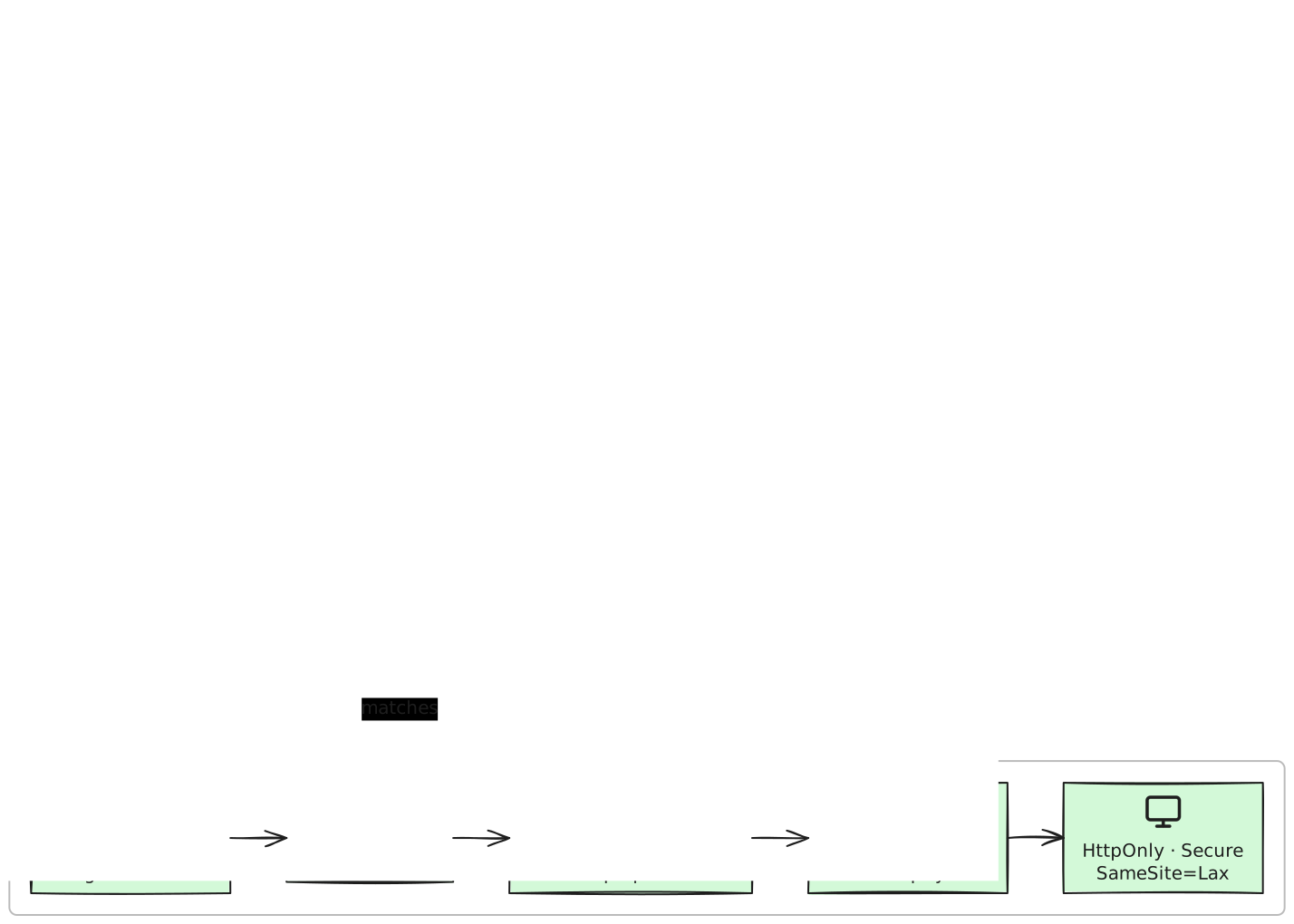
Choose the smallest mutation that fits: merge additive structure, patch known elements, or deliberately regenerate the whole scene. When replacement or targeted patching could collide with browser work, carry the live document revision and handle a stale read explicitly.
01
Open
Create live document
02
Read
Capture revision
03
Patch
Smallest change
04
Conflict
409 stale_read
05
Review
Same canvas
Persistent diagram automation is a maintenance problem, not merely a create call. Good clients decide how much of the canvas they own, re-read before a conflicting write, and make reconciliation visible instead of silently replacing newer human work.
Product boundary: expectedUpdatedAt is a best-effort optimistic precondition on patch and regenerate, not a lock. A mismatched non-empty revision returns 409 stale_read before the write. Omit it to force a write deliberately. A never-opened diagram reports docUpdatedAt as null until its collaborative document exists; a narrow read-to-write race and scene-mirror lag can still occur.
Decision guide
The three write surfaces have different ownership and concurrency semantics. Pick from what the update must change, then design the client around that contract.
Swipe to compare
| Job | Use when | Concurrency behavior |
|---|---|---|
| Additive edit | /edit — add nodes or edges, or update allowed label and style fields, without moving, resizing, or deleting existing elements. | No expectedUpdatedAt input. The fragment merges against the current live document, so use it for additive, non-reflow changes rather than replacement. |
| Element patch | /patch — apply ordered add, update, move, resize, restyle, or delete operations to known element ids. | Optional expectedUpdatedAt. A matching live revision proceeds, a stale non-empty revision returns 409, and omission skips the guard. |
| Regenerate | /regenerate — replace the whole scene from a new spec while retaining the diagram id and editor URL. | Optional expectedUpdatedAt is strongly recommended. Omission force-replaces; comments attached to removed element ids are system-resolved. |
Use additive edit when existing geometry must remain untouched. Use patch when your integration owns specific element ids and needs explicit operations.
Use whole-scene replacement only when the new spec should become authoritative. Supply the last live revision, then re-read and reconcile after any 409.
Reproduce it
01
Open the editor once before relying on docUpdatedAt. A diagram that has never created its collaborative document reports null, so the script refuses to continue until a live revision exists.
Terminal
export EXCALIWOW_TOKEN=excw_pat_…
export DIAGRAM_ID=<existing-diagram-id>

printf 'Open before reading the live revision: https://excaliwow.com/c/%s\n' "$DIAGRAM_ID"

READ_RESPONSE=$(curl -fsS \
  "https://excaliwow.com/api/v1/diagrams/$DIAGRAM_ID" \
  -H "Authorization: Bearer $EXCALIWOW_TOKEN")
REVISION=$(printf '%s' "$READ_RESPONSE" | jq -r .docUpdatedAt)

if [ "$REVISION" = "null" ]; then
  printf 'Open the editor once, then re-read the diagram.\n' >&2
  exit 1
fi
02
Restyle one known element with expectedUpdatedAt, then replay the identical body. The first request advances the document revision; the replay must be refused as stale.
Terminal
PATCH_BODY=$(jq -n --arg revision "$REVISION" '{
  ops: [{
    op: "restyle",
    id: "app-validate",
    strokeColor: "#c92a2a",
    backgroundColor: "#ffe3e3",
    fillStyle: "solid"
  }],
  expectedUpdatedAt: $revision
}')

curl -fsS \
  "https://excaliwow.com/api/v1/diagrams/$DIAGRAM_ID/patch" \
  -H "Authorization: Bearer $EXCALIWOW_TOKEN" \
  -H "Content-Type: application/json" \
  --data-binary "$PATCH_BODY" \
  -o /tmp/patch-result.json

HTTP_STATUS=$(curl -sS \
  "https://excaliwow.com/api/v1/diagrams/$DIAGRAM_ID/patch" \
  -H "Authorization: Bearer $EXCALIWOW_TOKEN" \
  -H "Content-Type: application/json" \
  --data-binary "$PATCH_BODY" \
  -o /tmp/stale-result.json \
  -w '%{http_code}')

test "$HTTP_STATUS" = "409"
jq -e '.error == "stale_read"' /tmp/stale-result.json
03
On 409 stale_read, fetch the current diagram, inspect the collaborator’s newer state, and build a fresh narrow operation. Do not automatically retry a replacement request against an unknown canvas.
Human review
Same-canvas follow-up
Update the same diagram through a guarded element patch: restyle app-validate without moving the human-positioned trust boundary or replacing the reviewer note.
Start free—no credit card. First 10,000 verified accounts keep the core workspace free; 3 diagrams to start and earn more capacity.