01
Scope the manifest set
Provide the Deployment, Service, and Ingress together so selectors, ports, probes, and traffic can be checked as one system. Exclude Secret values and unrelated cluster configuration.
Kubernetes deployment diagram · manifest review
Read the Deployment, Service, and Ingress together. Trace pod-template inputs, separate readiness from liveness, show which endpoints receive traffic, and make the rollback decision visible before a reviewer trusts the picture.
01
YAML
Three manifests
02
Workload
Rolling ReplicaSet
03
Probes
Ready vs live
04
Traffic
Ready endpoints
05
Rollback
Stop or restore
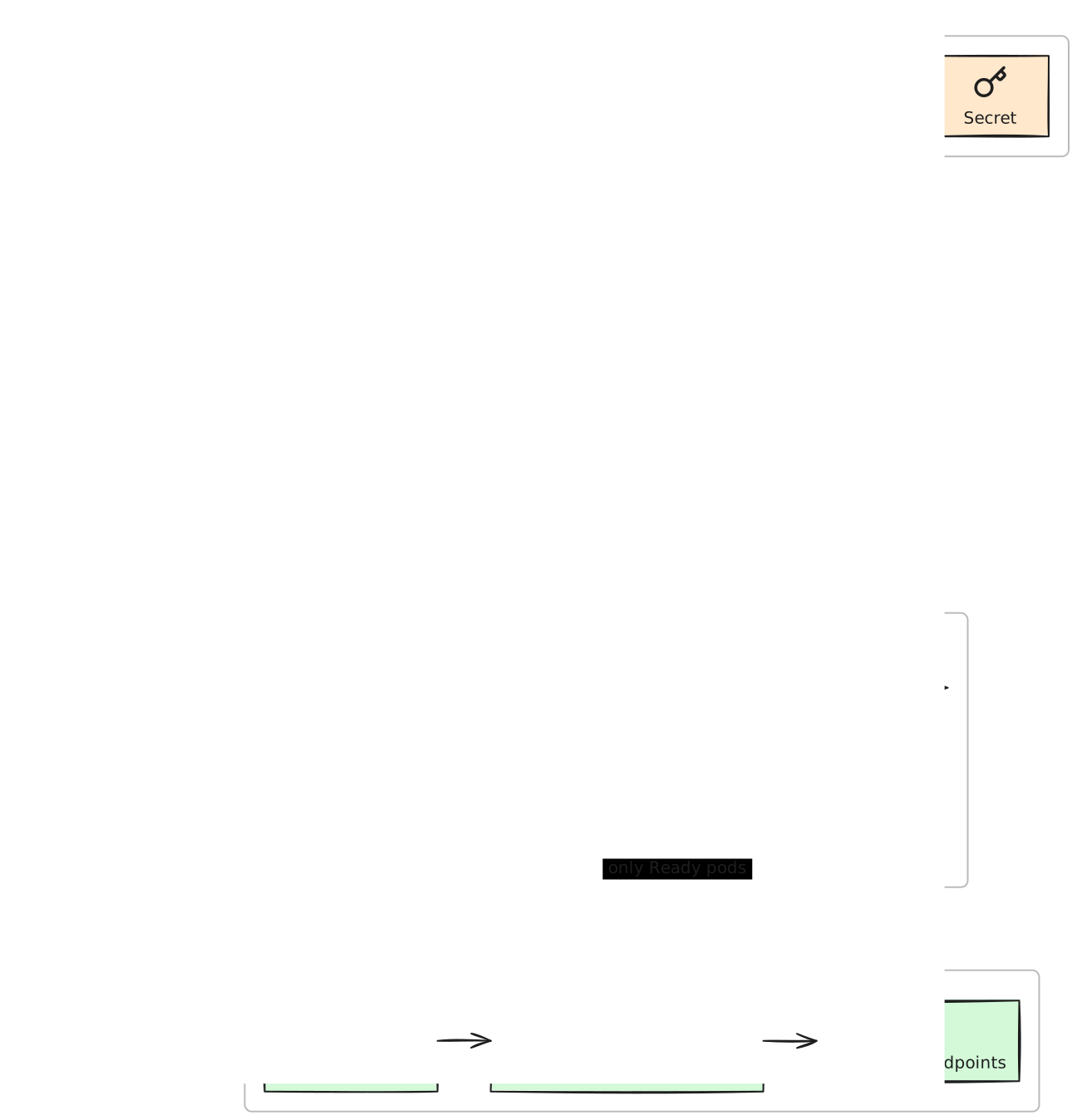
A useful Kubernetes diagram does more than place objects on a canvas. It shows why a pod becomes eligible for Service traffic, what restarts it, and where an unhealthy rollout should stop or restore the prior ReplicaSet.
Product boundary: The three manifests are an illustrative local fixture, not Excaliwow production infrastructure. The diagram uses standard Kubernetes ownership only and does not invent a CI provider, cloud load balancer, service mesh, database, or secret values.
Reproduce it
01
Provide the Deployment, Service, and Ingress together so selectors, ports, probes, and traffic can be checked as one system. Exclude Secret values and unrelated cluster configuration.
02
Mint a read + write Personal Access Token and add @excaliwow/mcp to your existing coding agent. Keep publish and delete disabled for the review.
MCP client config
{
  "mcpServers": {
    "excaliwow": {
      "command": "npx",
      "args": ["-y", "@excaliwow/mcp"],
      "env": {
        "EXCALIWOW_TOKEN": "excw_pat_…"
      }
    }
  }
}
03
Ask for the bounded prompt below, then verify selectors, target ports, readiness behavior, liveness behavior, and rollback meaning before adjusting spacing or color.
Human review
Same-canvas follow-up
Update the same diagram in place: add the failed-readiness rollback decision while preserving the human-positioned input stage and readiness edge.
Start free—no credit card. First 10,000 verified accounts keep the core workspace free; 3 diagrams to start and earn more capacity.