Choose Eraser if…
Diagram-as-code, integrated technical notes, AI presets, reference material, and a mature remote MCP are the workflow. Eraser supports persistent agent updates and direct canvas editing; those are genuine strengths.
Eraser alternative for developers · worked comparison
Eraser combines technical docs, diagram-as-code, AI, drag editing, API, and a full MCP server. Excaliwow is the narrower choice when the shared artifact must stay a freeform Excalidraw canvas across browser, REST, CLI, and MCP.
01
Source
Kubernetes manifests
02
Agent
Bounded draft
03
Canvas
Excalidraw artifact
04
Human
Readiness review
05
Decision
Editing model
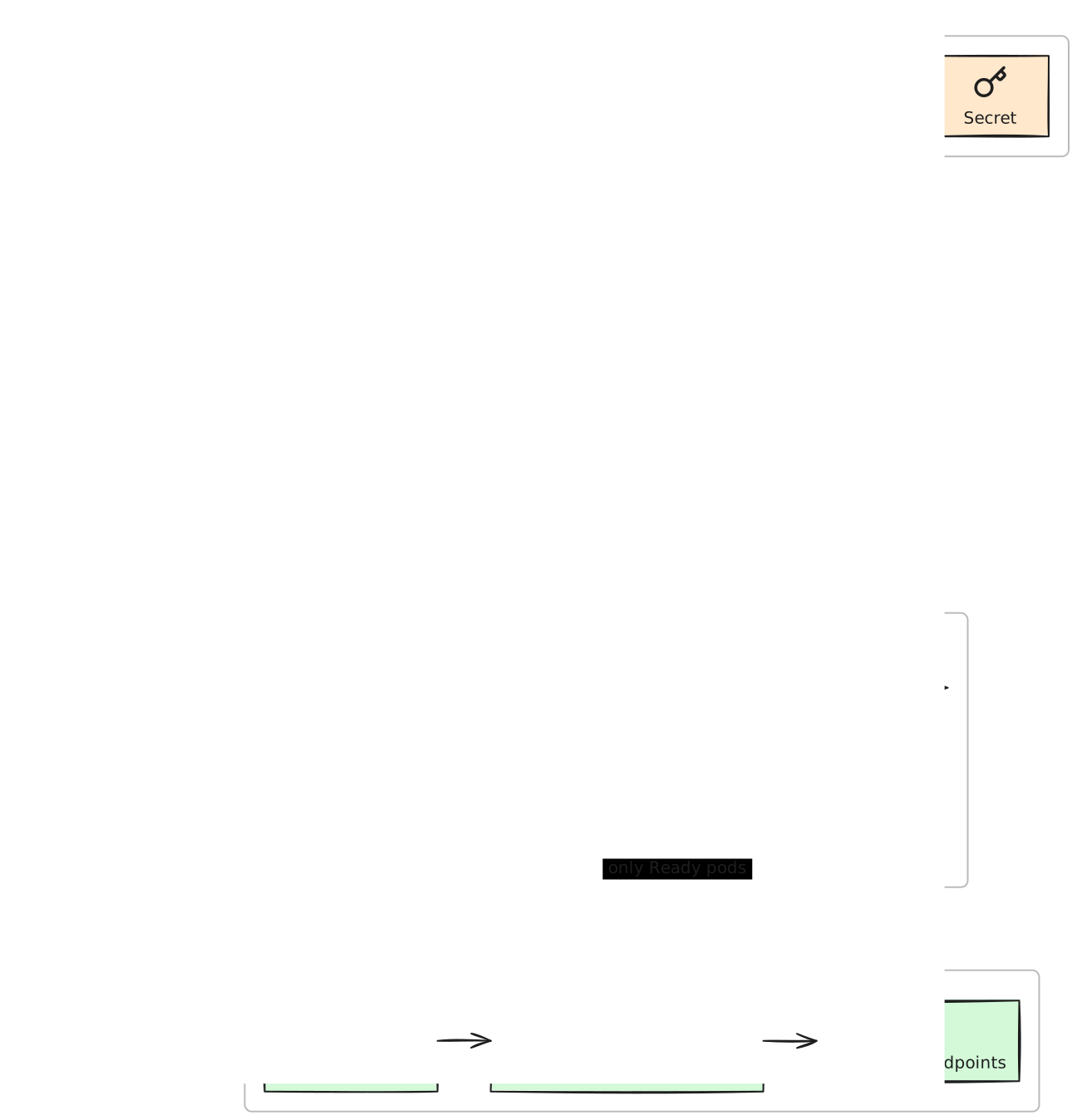
Eraser already supports persistent, agent-editable diagrams. The honest decision is whether your team wants Eraser’s structured technical-document system or an Excalidraw-native canvas with bring-your-own-agent tooling.
Product boundary: Eraser is a strong engineering-diagram platform: its diagram-as-code output can be edited as DSL, by AI prompt, or with drag-and-drop, and its full MCP can manage persistent files, diagrams, folders, and presets. Choose Eraser when structured technical docs, presets, integrated AI, and DSL maintenance are central. Choose Excaliwow when direct Excalidraw canvas editing and Founding Free access to its REST, CLI, and MCP workspace are the specific requirement.
Decision guide
Both products can keep agent-created diagrams persistent and editable. Compare the editing model, account limits, and surrounding workflow—not a fabricated automation gap.
Swipe to compare
| Job | Eraser Free | Excaliwow |
|---|---|---|
| Free workspace | $0 with three files, seven-day version history, unlimited guests, diagram-as-code, Markdown notes, and an included AI allowance. Eraser’s page currently contradicts itself on that allowance’s number. | First 10,000 verified accounts keep the core workspace free. 3 diagrams to start, with ways to earn more capacity and no separate Excaliwow AI-credit allowance. |
| Agent access | Free remote OAuth MCP can create, read, search, update, and organize files and diagrams. AI calls consume Eraser credits; API tokens and direct API calls require a paid plan. | Scoped PAT access through MCP, CLI, and REST is included in the core workspace; the user brings the AI agent and its existing allowance. |
| Editing model | Diagram-as-code, integrated AI prompts, and drag-and-drop editing inside a file that can also contain Markdown technical documentation. | Freeform Excalidraw elements edited directly by people or through targeted MCP/REST operations on the same persistent canvas. |
| Best fit | Engineering teams that want DSL maintenance, technical docs, presets, reference diagrams, and integrated AI workflows. | Teams specifically standardizing on Excalidraw artifacts and bringing their own coding agent across REST, CLI, MCP, and browser review. |
Diagram-as-code, integrated technical notes, AI presets, reference material, and a mature remote MCP are the workflow. Eraser supports persistent agent updates and direct canvas editing; those are genuine strengths.
The artifact must remain a normal Excalidraw canvas and you want Founding Free PAT access across REST, CLI, and MCP while using the coding agent you already pay for or run.
Reproduce it
01
Use Eraser when DSL, Markdown documentation, presets, and integrated AI are the durable source. Use this Excaliwow path only when direct Excalidraw canvas edits are meant to remain authoritative.
02
Mint a read + write Personal Access Token and connect @excaliwow/mcp. Keep the source scope free of secrets and leave publish and delete disabled for the review.
MCP client config
{
  "mcpServers": {
    "excaliwow": {
      "command": "npx",
      "args": ["-y", "@excaliwow/mcp"],
      "env": {
        "EXCALIWOW_TOKEN": "excw_pat_…"
      }
    }
  }
}
03
Open the persistent editor URL and add the readiness dependency the first draft missed. Then ask the agent to add rollback to that same diagram without moving the reviewed stage.
Human review
Same-canvas follow-up
Update the same diagram in place: add the failed-readiness rollback decision while preserving the human-positioned configuration stage and readiness edge.
Start free—no credit card. First 10,000 verified accounts keep the core workspace free; 3 diagrams to start and earn more capacity.